HTML to video
CSS animations, canvas, requestAnimationFrame, timers and the Web Animations API, all frozen to an exact clock per frame.
 web2vid
Aether Renderer 0.3 🪼
HTML, CSS and JS in. WebM, MOV, GIF or MP4 out, with real alpha. Local, free and frame-perfect.
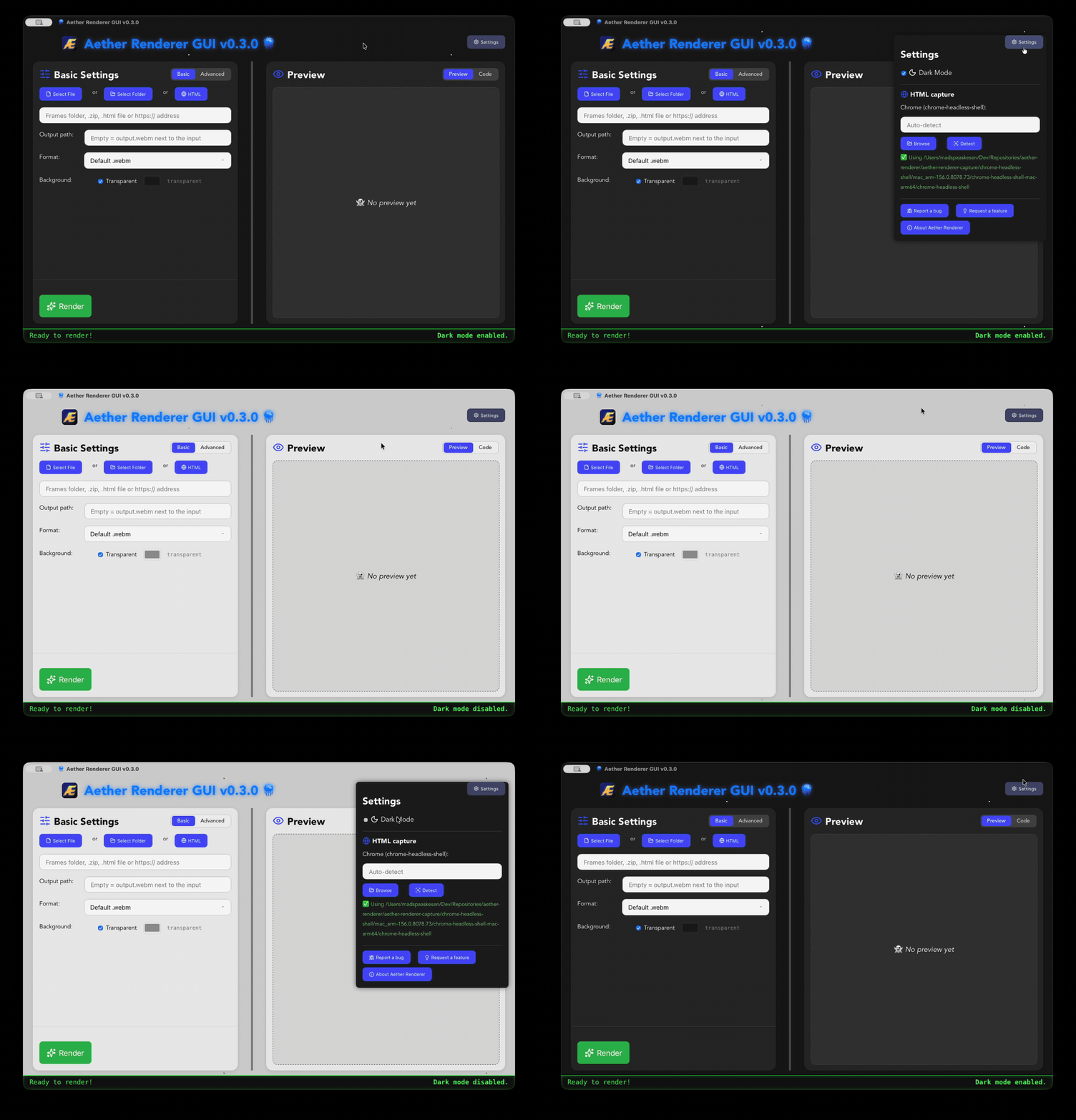
An HTML file, a web address, a folder or ZIP of PNG frames. Or just drag it onto the window.
WebM, MOV, GIF or MP4. Presets for Full HD, 4K, Reels/TikTok/Shorts, square and stickers.
Every frame is stepped and captured in headless Chrome, then encoded. The same page gives the same video, every time.
CSS animations, canvas, requestAnimationFrame, timers and the Web Animations API, all frozen to an exact clock per frame.
Exported a PNG sequence from Blender, After Effects or an AI tool? Drop the folder or ZIP in.
WebM (VP9 alpha) for the web, ProRes 4444 MOV for video editors, transparent GIF. Or fill the background with a color.
No screen recording, no dropped frames, no timing jitter. A slow machine makes the same video as a fast one.
See the page at the exact output size, edit the HTML in the Code tab, or start from a template.
Runs on your computer. Nothing is uploaded, no account, no watermark. Open source, MIT licensed.
Free and open source. Pick your system on the latest release:
FFmpeg on your PATH. On macOS: brew install ffmpeg
For HTML input, chrome-headless-shell (the app finds it automatically):
npx @puppeteer/browsers install chrome-headless-shell@stable --path ~/.cache/puppeteerThe engine is two Rust crates you can use on their own:
cargo install aether-renderer-capture aether-renderer-core
aether-renderer-capture -i anim.html -o frames --fps 30 -d 4
aether-renderer-core -i frames -o anim.webm